The holiday season is one of the busiest times of year for small business owners. Between wrapping up projects, handling year-end finances, and trying to step away to spend time with family, things move fast. Scammers know this. They rely on distraction, urgency, and familiarity to catch people off guard—especially business owners who manage websites, domains, and online payments.
If you run a business website, a single mistake during the holidays can lead to compromised logins, fraudulent charges, website downtime, or even customer trust issues. The good news is that most holiday scams follow predictable patterns once you know what to look for.
Why the Holidays Are Prime Time for Scams
During the holidays, inboxes are fuller than usual. Shipping notices, invoices, receipts, and vendor emails all blur together, making it easier for fake messages to slip through unnoticed. Scammers intentionally time their outreach to blend in with this noise.
They also lean heavily on urgency. Messages claiming your domain is expiring, your website has a security issue, or a payment failed are designed to push you into acting quickly—before you stop to verify whether the request is legitimate.
Phishing Emails That Target Website Owners
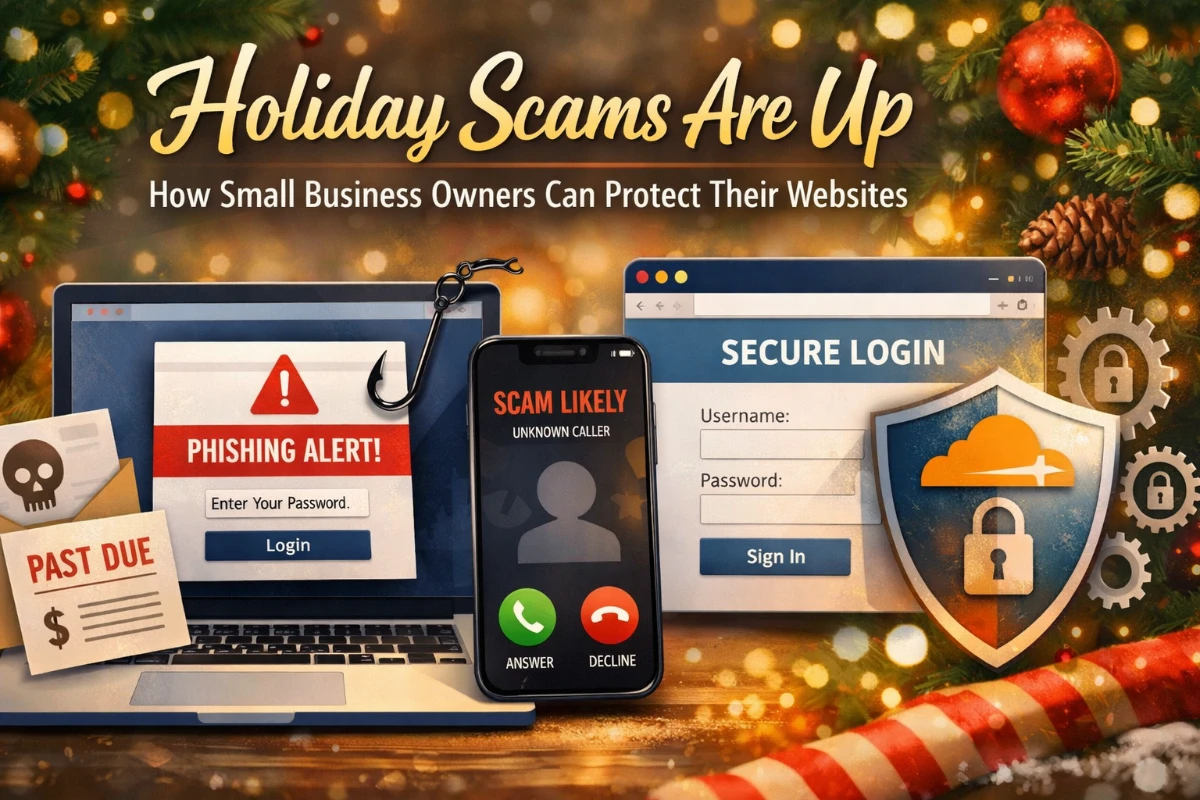
One of the most common holiday scams comes through email. These messages often appear to be from a hosting provider, domain registrar, or payment processor and claim that immediate action is required. The branding may look real, but the goal is simple: get you to click a link and enter your login details on a fake page.
A good habit is to never log in to anything directly from an email. If something seems off, open a new browser tab and go directly to the service’s website instead. That one step alone prevents most phishing-related account takeovers.
Fraud Calls That Create Pressure
Holiday scams aren’t limited to email. Fraud calls increase this time of year as well. Callers may claim your website is sending spam, your Google listing is at risk, or your domain will be suspended unless you act immediately.
Legitimate providers rarely cold-call with threats or demand instant decisions. Pressure is the giveaway. If a call feels rushed or intimidating, it’s best to hang up and verify the claim independently using a trusted contact method.
Fake Invoices and “Renewal” Requests
Year-end is when many businesses process renewals and invoices, which makes fake billing emails especially effective. Scammers send professional-looking invoices for services like hosting, SEO tools, or “website monitoring.”
Before paying any invoice, take a moment to confirm it’s from a vendor you actively work with and for a service you’re expecting. A quick pause here can prevent money from disappearing into the wrong hands.
Website Login and Admin Account Attacks
For small business owners, website access is one of the most valuable targets. If attackers gain entry to your admin account, they can inject spam, redirect visitors, lock you out, or damage your search rankings over time.
This is where layered protection matters. At Sparrow Leads, all client domains are routed through Cloudflare DNS. While no tool replaces good habits, Cloudflare helps filter malicious traffic, block known threats, and add an extra layer of protection between attackers and your website—especially during high-risk seasons like the holidays.
Strong, unique passwords, two-factor authentication, and keeping your site updated work hand-in-hand with this setup to reduce risk significantly.
One Habit That Prevents Most Scams
The most effective protection isn’t technical—it’s behavioral. Slow down when something feels urgent. Scammers depend on speed and fear. Giving yourself even 30 seconds to verify an email, call, or invoice can stop most attacks before they start.
If you weren’t expecting the message, verify it through a channel you trust. Log in directly, check your account dashboard, or ask your web provider before taking action.
How Sparrow Leads Can Help
Holiday scams are a reminder that your website isn’t a “set it and forget it” asset. Ongoing security, performance, and visibility all matter—especially when your business is busiest.
Sparrow Leads helps small businesses with reliable web design, managed hosting, and SEO services so your site stays secure, up to date, and easy for customers to find. Whether it’s setting up proper protections, keeping software maintained, or improving search visibility, having a trusted partner means fewer surprises and more peace of mind.
Enjoy the Holidays Without Website Stress
You’ve worked hard to build your business and your online presence. A little extra awareness during the holidays can prevent major headaches later—and let you focus on closing out the year strong.
Stay cautious, slow down when something feels urgent, and enjoy the season knowing your website is protected and supported.